
Free D&D ambience
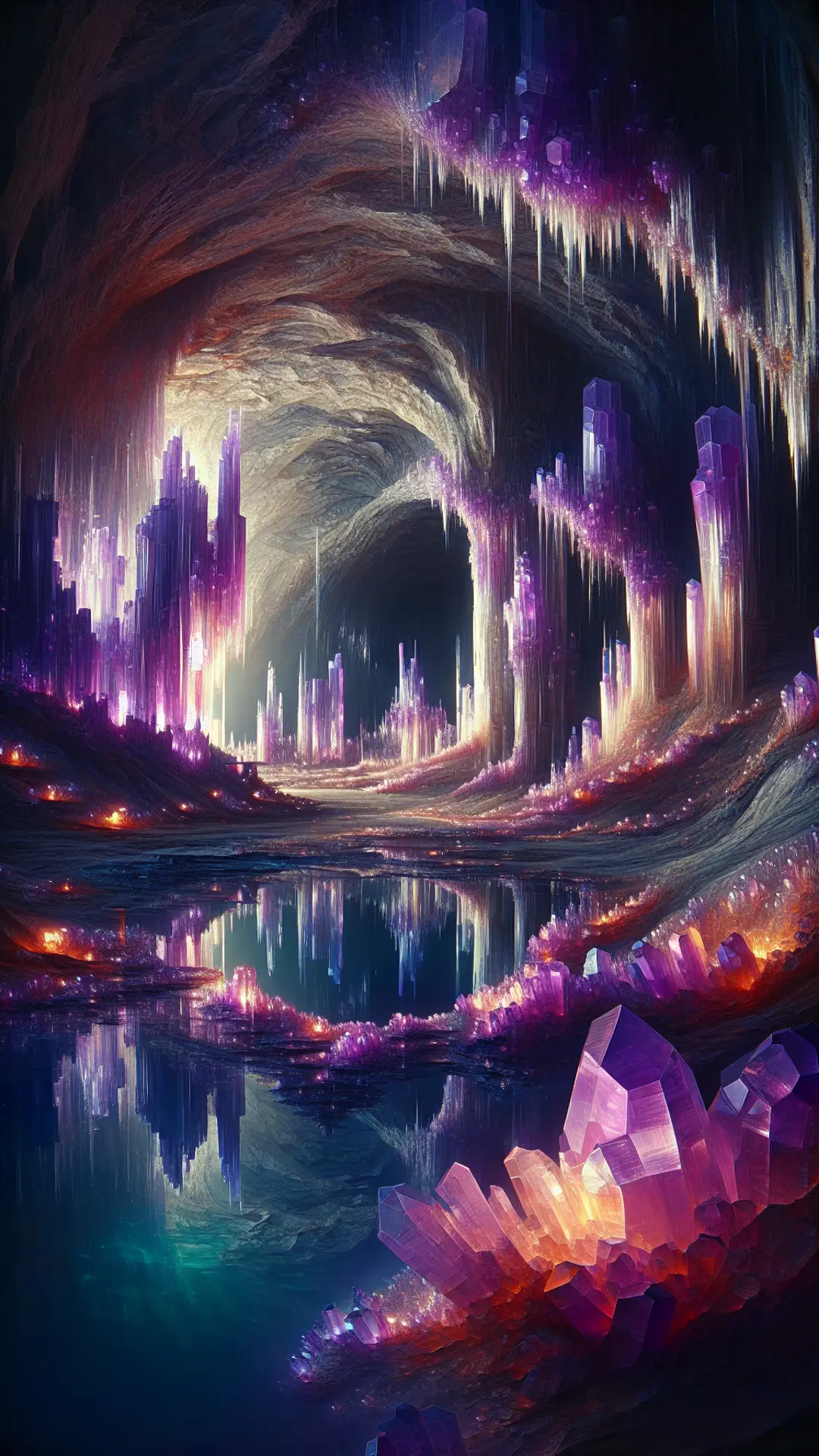
Cave Ambience for D&D
Echoing drips, an underground stream and cold air moving through tunnels that go deeper than anyone has mapped.
Cave ambience loop
Mix every layer yourself in the free My Moods app:


Caves sit somewhere between peaceful and threatening, and the right ambience lets you push it either way. Echoing drips and running water feel calm on their own; add a low drone and suddenly the party is very aware of how far they are from daylight.
This cave ambience loops a large natural cavern with water drips, a gentle underground stream, a cold wind through the tunnels and a soft drone. It works for crystal caves, mines, goblin warrens and long trips through the Underdark.
Because the loop is quiet and spacious, it also works well behind roleplay with deep gnomes, drow patrols or a lost explorer the party meets in the dark. When things turn hostile, add creature sounds or tension music in My Moods without changing the scene.
What you hear in this cave ambience
Cave room tone
Wide, echoing natural cavern
Water drips
Slow drips with long reverb
Underground stream
Gentle running water nearby
Mystic wind
Cold air moving through tunnels
Low drone
Add it when the cave should feel dangerous
How to use it at your table
Make the Underdark feel huge
Keep the stream far away and the drips loud. Echo makes a space feel bigger than any description can.
Mark how deep they are
Add a little more drone each time the party goes down a level. Players notice the change even if they cannot name it.
Use it outside D&D too
With the drone off, this cave loop works as a calm background for reading or deep focus.
Cave ambience FAQ
What is the difference between cave and dungeon ambience?
Dungeons sound man-made, with doors, chains and stone rooms. Caves sound natural: water, wind and wide echoing spaces.
Can I add bats or monsters to the cave?
Yes. The app has creature sound effects you can trigger over the cave ambience whenever something moves in the dark.
Does this work for Underdark campaigns?
It was made with the Underdark in mind. Combine it with tension music for drow territory or keep it calm for long travel.
More D&D ambience
See all D&D ambience scenes

Build your own cave scene
My Moods lets you mix ambience, music and sound effects, save scenes for your campaign and crossfade between them mid-session.